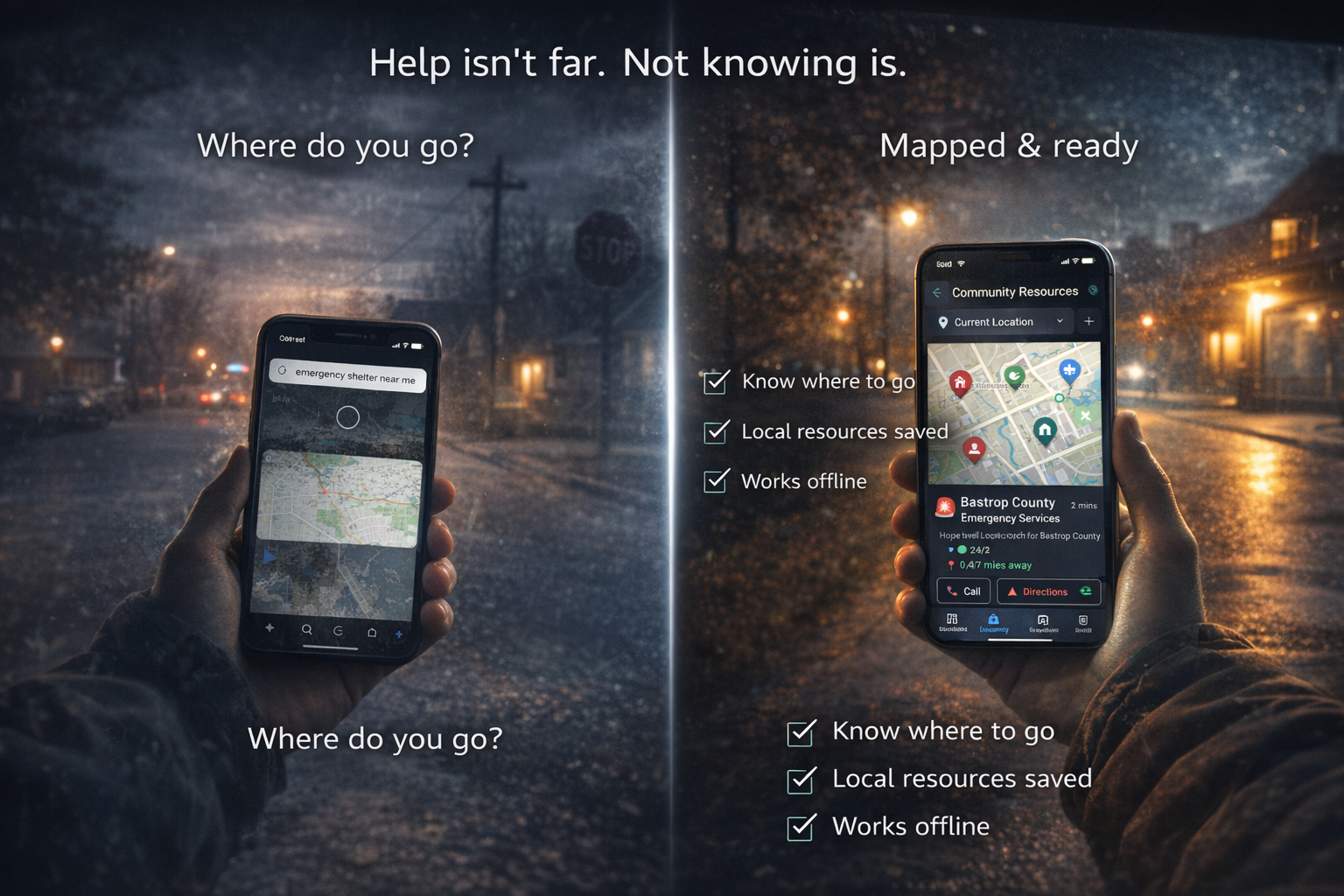
When Hurricane Ida hit Louisiana in 2021, thousands of residents tried to Google "emergency shelters near me" — with no cell service. The ones who already knew where to go got there. The ones who didn't drove in circles burning gas they couldn't replace. Over a million people lost power. Cell towers across eight parishes went dark. And the people who had mapped their local emergency resources ahead of time were the ones who found help first.
The time to find your local emergency resources is right now, while you're reading this on a working internet connection.
A 2023 FEMA survey found that only 48% of American households have a disaster plan — and of those, fewer than half have identified specific local resources like shelters, emergency management offices, or utility emergency numbers. That means roughly three out of four families would be searching for help from scratch during a crisis.
This guide walks you through exactly what to find, where to find it, and how to organize it so it's available when you need it most — including when the internet isn't.
What You Should Know Before Disaster Strikes
Most people know to call 911. But emergencies create situations where 911 isn't enough — or isn't reachable. The resources below are the ones that matter when the standard systems are overwhelmed.
- Fire station locations and response times — your nearest station may not be the one that responds to your address. Call your local department's non-emergency line and ask.
- Nearest hospital and urgent care — know the difference. Urgent care closes at night. During a mass casualty event, the nearest hospital may be on diversion. Identify your second-closest option.
- Police non-emergency number — 911 lines overflow during disasters. The non-emergency line handles welfare checks, road closures, and resource information without tying up dispatch.
- Nearest Red Cross shelter — these activate during declared emergencies. Know the location before one is declared.
- Utility emergency numbers — gas leak hotline, power outage reporting line, water main break number. These are different from the utility's general customer service line and operate 24/7.
- Local emergency management office — every county has one. They coordinate disaster response and can tell you exactly what resources exist in your area.
Write these down. Not in your phone's notes app — on paper, stored with your emergency supplies. Phones die. Paper doesn't.
NomadCore tip: Save all community resources in NomadCore's Community Resources feature — accessible offline when you need them most. Unlike a notes app that requires cloud sync, NomadCore stores your data locally on the device. No internet required to pull up addresses, phone numbers, and notes during an emergency.
Community Resources Most People Don't Know About
Beyond fire, police, and hospitals, your community has an entire network of emergency resources that most residents never discover until it's too late. Here are the ones worth finding now.
CERT — Community Emergency Response Teams
FEMA's CERT program trains ordinary citizens in basic disaster response: light search and rescue, fire suppression, first aid triage, and neighborhood damage assessment. There are over 2,700 CERT programs across the country. Your local team is staffed by your neighbors — and they activate when professional first responders are overwhelmed. Find your local CERT at ready.gov/cert or by calling your county's emergency management office.
Ham radio operators
When cell towers fail — and they do fail, regularly, in every major disaster — amateur radio operators become the communication backbone. The Amateur Radio Emergency Service (ARES) and Radio Amateur Civil Emergency Service (RACES) provide emergency communication when nothing else works. During Hurricane Maria in 2017, ham radio was the only way some Puerto Rico communities could call for help for weeks. Your local amateur radio club can tell you where their emergency repeaters are located.
Other critical resources
- Community cooling and warming centers — during extreme heat or cold events, these save lives. Libraries, community centers, and churches often serve this role. Your city's 311 line or website will list active locations.
- Food banks and distribution points — organizations like Feeding America coordinate emergency food distribution after disasters. Know your nearest food bank before you need it.
- Sandbag locations — many municipalities provide free sandbags and fill stations before floods. By the time flooding starts, the lines are hours long. Know where they are and go early.
- Pet-friendly shelters vs. general shelters — not all shelters accept animals. The PETS Act of 2006 requires FEMA-funded shelters to accommodate pets, but not every shelter is FEMA-funded. Know which ones in your area will take your animals.
- Pharmacies with emergency dispensing protocols — during declared emergencies, many states allow pharmacists to dispense emergency supplies of prescription medications without a current prescription. Know which pharmacies near you participate.
How to Find Your Local Resources
You don't need to be an emergency management expert to map your local resources. Here's where to start, in order of effectiveness.
- Call your county emergency management office. This is the single most productive call you can make. Tell them you're a resident building an emergency resource list. They will often email or mail you a complete guide to local resources — many counties publish these but few residents know they exist.
- Check your city or county website. Search for "emergency preparedness" or "disaster resources." Most municipalities maintain a page with shelter locations, evacuation routes, and emergency contacts. Download and save it offline.
- Visit Ready.gov's local resources page. FEMA maintains a searchable directory of emergency resources organized by state and county.
- Download the FEMA app. It includes a shelter finder, disaster resource locator, and real-time alerts for your area. It works when online — but save the results while you have connectivity.
- Attend a local CERT training. Even if you don't plan to volunteer, the training (typically 20 hours over several weeks) teaches you how your local emergency response system works — and you'll meet the people who run it.
- Ask at your local fire station. Walk in during non-emergency hours. Firefighters have resource lists, know shelter locations, and can tell you things about your neighborhood's specific risks that no website can.
NomadCore tip: Add contact numbers, addresses, and notes for each resource you discover. Include details like hours of operation, whether they're pet-friendly, and any access requirements. The more detail you capture now, the less you'll have to figure out during a crisis.
Building Your Resource Map
Finding resources is step one. Organizing them so they're actually useful under stress is step two. A list of names is not enough — you need actionable details.
Save addresses, not just names
GPS navigation needs a street address. "The Red Cross shelter at the community center" doesn't help when you're driving through smoke or floodwater at night. Record the full street address for every resource.
Note hours of operation
Some resources are 24/7 (hospitals, fire stations). Others only activate during declared emergencies (shelters, sandbag stations). Still others operate on business hours only (emergency management offices, food banks outside of disaster activation). Mark each resource with its availability so you don't drive to a locked building at 2 AM.
Identify resources along your evacuation routes
Most people only map resources near their home. But if you're evacuating, your home-area resources are behind you. Identify hospitals, gas stations, shelters, and rest areas along each of your planned evacuation routes — not just at your starting point.
Include backup options
For every critical resource, identify at least one alternative. If your nearest hospital is on diversion, where's the next one? If your primary shelter is full, what's the backup? During Hurricane Katrina, the Superdome — the primary shelter — exceeded capacity by thousands. Families with a second option had somewhere else to go.
NomadCore tip: Share your resource list with family members so everyone knows where to go. NomadCore's family sharing means every person in your household has the same resource information, the same addresses, the same backup plans — even if you're separated during an emergency.
Resources for Specific Needs
Standard emergency resource lists assume a healthy adult with a car and no dependents. Most families don't fit that profile. Here's what to find for specific situations.
Families with elderly members
- Transportation services for non-drivers (many counties offer emergency medical transport)
- Oxygen supply companies with emergency delivery
- Shelters with medical staff or nearby medical facilities
- Meals on Wheels and similar programs that activate during emergencies
Families with disabilities
- ADA-compliant shelters (not all are — verify in advance)
- Medical equipment providers with emergency replacement programs
- Paratransit services for emergency evacuation
- Registry programs — many counties maintain a voluntary special needs registry so first responders know who needs extra assistance
Families with pets
- Pet-friendly shelters (search the ASPCA's disaster preparedness resources)
- Emergency veterinary clinics open 24/7
- Boarding facilities that accept animals during evacuations
- Local animal rescue organizations that assist during disasters
Families with infants
- Formula distribution points (WIC offices often coordinate these during emergencies)
- Diaper banks — the National Diaper Bank Network has over 200 member organizations
- Shelters with dedicated family areas or quiet rooms
- Pediatric urgent care locations along evacuation routes
Non-English speakers
- Multilingual resource centers (often at community organizations or churches)
- 211 hotline — available in most areas with multilingual operators
- Consulate or embassy emergency services for foreign nationals
- Community organizations that serve specific language populations
The 30-Minute Exercise
You've read this far. Now spend 30 minutes — right now, today — and find your 10 most critical local resources. Set a timer. Here's your checklist:
- Minutes 1-5: Find your county emergency management office phone number and website. Save both.
- Minutes 5-10: Look up your nearest hospital, urgent care, and fire station. Save full addresses.
- Minutes 10-15: Find your police non-emergency number and all utility emergency numbers (gas, electric, water). Write them down.
- Minutes 15-20: Search for your nearest Red Cross chapter and any designated emergency shelters in your county. Note which are pet-friendly.
- Minutes 20-25: Look up your local CERT program, nearest food bank, and community cooling/warming center locations.
- Minutes 25-30: Find any special-needs resources your family requires (medical transport, ADA shelters, pet boarding, pediatric care). Save with addresses and phone numbers.
That's it. Thirty minutes. You now know more about your community's emergency resources than the vast majority of your neighbors. The information isn't hard to find — the hard part is finding it before you need it, when the stakes are low and the internet is working.
NomadCore tip: Map your resource locations alongside your evacuation routes in NomadCore. When you're driving out of a disaster zone, you'll be able to see exactly which resources are ahead of you on your route — hospitals, shelters, gas stations — all on one screen, all available offline.
The pattern in every major disaster is the same. The people who prepared — who knew where the shelters were, who had phone numbers written down, who had mapped their resources before the crisis — are the ones who get help fastest. The people who didn't are the ones standing in the longest lines, driving to the wrong locations, and calling numbers that don't connect.
You don't get to choose when disaster hits your community. But you absolutely get to choose whether you've done the 30 minutes of homework that makes the difference.
Download NomadCore to save your community's emergency resources with offline access, family sharing, and everything your household needs to find help fast — even when the internet isn't available.