When Hurricane Katrina hit the Gulf Coast in 2005, over one million people were displaced. Hundreds of thousands of them lost every personal document they owned — birth certificates, insurance policies, property deeds, medical records. Gone.
The consequences were devastating and immediate. FEMA claims were delayed by months without proof of ownership. Insurance payouts stalled. People couldn't prove their identity to open new bank accounts or enroll their children in school. Some spent years reconstructing the paperwork that defined their legal existence.
The documents themselves weren't destroyed by the hurricane. They were destroyed by a lack of preparation. A fireproof bag, a USB drive, or an encrypted cloud backup would have saved months of bureaucratic agony.
Here's how to make sure that never happens to your family.
The Must-Have Documents
Not every piece of paper in your filing cabinet matters during an emergency. These are the ones that do — organized by category so you can work through them systematically.
Identity Documents
- Passports (or passport card copies)
- Birth certificates for every family member
- Social Security cards
- Driver's licenses or state IDs
- Marriage certificate
- Naturalization or immigration documents
These prove who you are. Without them, you can't access government services, cross borders, or verify your identity to banks and insurers. Replacements can take weeks to months — time you don't have in a disaster.
Financial Documents
- Homeowner's or renter's insurance policy (full policy, not just the card)
- Auto insurance policy
- Health insurance cards and policy numbers
- Life insurance policies
- Bank account numbers and routing numbers
- Property deed or mortgage documents
- Vehicle titles
- Recent tax returns (last 2 years)
Insurance claims require policy numbers. Banks need account numbers. If your home is destroyed, the deed proves you owned it. These documents are the foundation of your financial recovery.
Medical Documents
- Current prescription list with dosages and prescribing doctors
- Vaccination records (especially for children)
- Health insurance cards
- Advance directives and living wills
- Medical power of attorney
- Records of chronic conditions, allergies, or ongoing treatments
When you're evacuated to a shelter or a new city, a new doctor needs to know what medications you take, what you're allergic to, and what your treatment history looks like. A prescription list alone can save a life.
Legal Documents
- Wills and trusts
- Power of attorney (financial and medical)
- Custody agreements or guardianship documents
- Adoption papers
- Divorce decrees
- Business ownership documents (if applicable)
Legal documents are among the hardest to replace. Some require court orders to reissue. If something happens to you, your family needs immediate access to your will, your power of attorney designations, and any custody agreements.
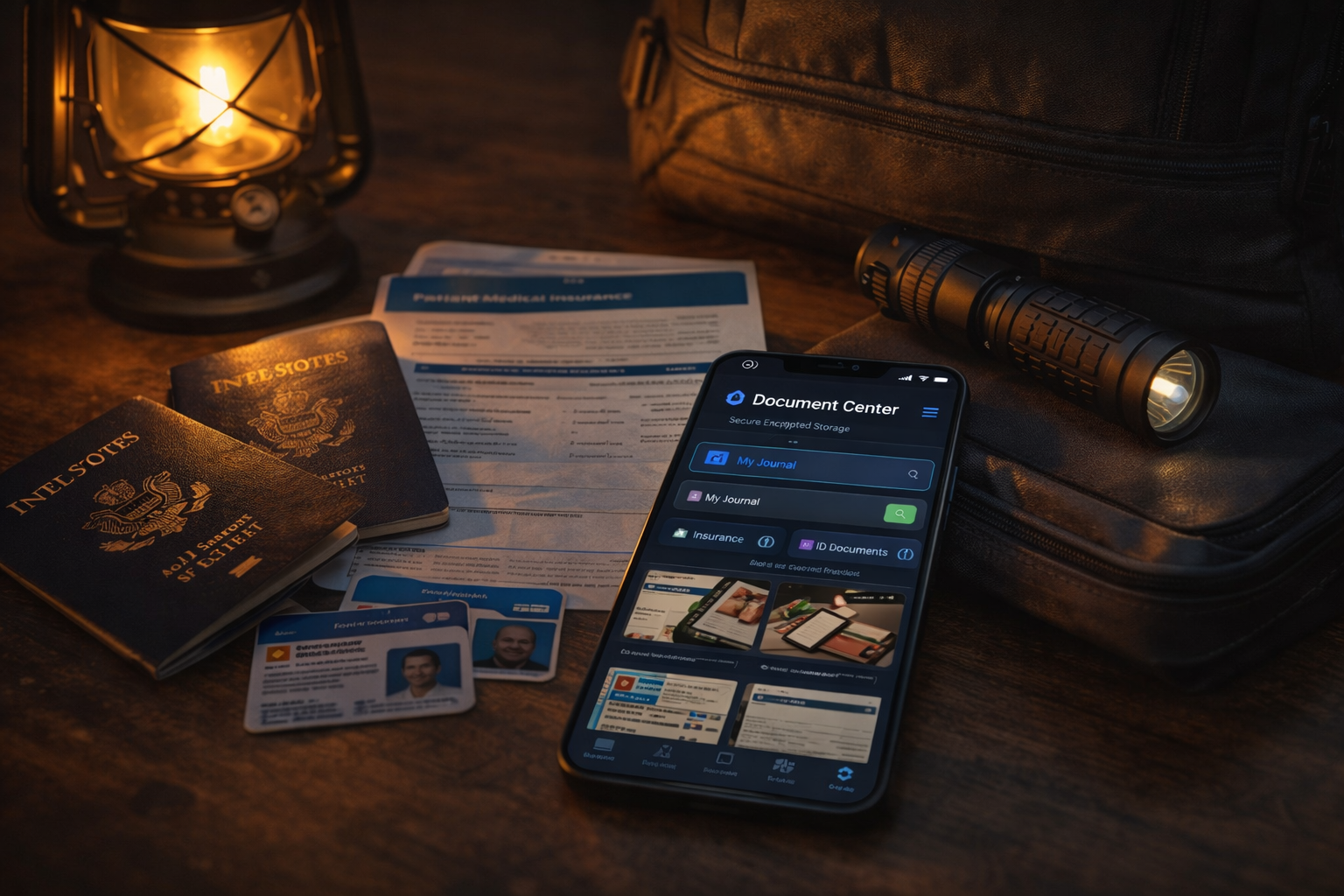
NomadCore tip: Use the Document Center to store encrypted copies of your most critical documents. Photograph or scan each one, and it's stored with AES-256 encryption on your device — never uploaded, opened only with your PIN or biometrics. No printing, no laminating, no worrying about water damage.
Digital vs. Physical: You Need Both
This is where most people go wrong. They pick one approach and assume it's enough.
Cloud-only fails when there's no internet. After a major disaster, cell towers go down, power grids fail, and Wi-Fi disappears. If your documents live only in Google Drive or iCloud, they're unreachable when you need them most.
Paper-only fails when fire, flood, or wind destroys your home. A filing cabinet in a flooded basement is just wet pulp. Even a fireproof safe has limits — most are rated for 30 minutes to an hour, and they don't protect against water.
The hybrid approach works. You want three layers:
- Physical originals in a fireproof, waterproof bag or box that you can grab on the way out the door
- Digital copies on a local device — a USB drive or an encrypted phone app that works offline
- Encrypted cloud backup — accessible from any device once connectivity returns
Each layer covers the weakness of the others. Physical originals work without power. Local digital copies work without internet. Cloud backups survive the total loss of your home and all your devices.
NomadCore tip: Your documents are encrypted on your device before they ever leave it, so what reaches our servers is scrambled data. Your personal backup key is derived from your password, and we don't store your password. See our privacy policy for exactly what we can and can't see.
How to Organize Your Kit
Having the right documents matters. Having them organized and accessible matters more. Here's the setup that works.
The Physical Kit
Get a fireproof, waterproof document bag (not just a safe — you need something portable). These run $25-50 and are worth every cent. Inside, place:
- Original documents in labeled, waterproof plastic sleeves
- A USB drive with encrypted digital copies
- A printed sheet with account numbers, policy numbers, and emergency contacts
Store the bag somewhere easy to grab — near your go-bag, in a hall closet, or by the door you'd exit in an emergency. Everyone in the household should know where it is.
The Digital Kit
Photograph or scan every document in your physical kit. For each document:
- Photograph both sides
- Use good lighting and check that all text is legible
- Name files clearly:
passport-john-doe-2026.jpg
Store copies in at least two digital locations — one offline-capable (USB drive or phone app) and one cloud-based. Encrypt everything. An unencrypted USB drive with your Social Security numbers is a liability, not a backup.
NomadCore tip: Documents stored in NomadCore are available offline — no internet required. Open the app, tap Document Center, and your critical files are right there. Whether you're in a shelter, on the road, or in a FEMA office, your documents are accessible.
The Home Inventory
Your documents kit protects your identity and legal standing. A home inventory protects your stuff — and your ability to get reimbursed for it.
After a disaster, insurance adjusters ask one question: "What did you lose, and what was it worth?" Most people can't answer accurately. They forget items, underestimate values, and lack proof of ownership. The result: smaller payouts and longer disputes.
How to Create One
The room-by-room walkthrough: Take your phone and record a slow video of every room in your home. Open drawers, closets, and cabinets. Narrate as you go: "Living room — 65-inch Samsung TV, purchased 2024, leather couch from Pottery Barn."
For high-value items, go deeper:
- Photograph serial numbers on electronics
- Save receipts for items over $100 (photograph them — paper receipts fade)
- Photograph jewelry, artwork, and collectibles with close-up detail
- Note the make, model, and approximate purchase date for appliances
Don't forget these commonly overlooked areas:
- Garage (tools, equipment, seasonal items)
- Attic and basement storage
- Children's rooms (electronics, instruments, sports equipment add up)
- Outdoor items (grills, patio furniture, lawn equipment)
A thorough home inventory takes 1-2 hours. It can save you tens of thousands of dollars in insurance claims.
Keeping It Updated
A document kit that reflects your life from three years ago is better than nothing — but not by much. Policies change, documents expire, and families grow.
Life Events That Trigger Updates
- New baby: Birth certificate, Social Security card, updated insurance, updated will
- Marriage or divorce: Marriage certificate, name changes on IDs, updated beneficiaries
- Home purchase or move: New deed/mortgage, updated insurance, new home inventory
- New insurance policy: Replace the old policy document with the new one
- Job change: New health insurance cards, updated 401k beneficiary info
- Estate planning changes: Updated will, new power of attorney designations
- Major purchase: Add receipt and serial number to your home inventory
The 6-Month Review
Set a recurring calendar reminder — every six months, spend 15 minutes on your document kit:
- Check that all documents are still current (nothing expired?)
- Verify insurance policies reflect current coverage
- Update your home inventory for any new major purchases
- Confirm your digital copies match the physical originals
- Test that your USB drive still works and files are readable
- Make sure every family member knows where the kit is stored
Fifteen minutes, twice a year. That's all it takes to keep your safety net intact.
NomadCore tip: Share your Document Center with family members so both parents or guardians have access to every critical file. If one person is unreachable, the other can still pull up insurance policies, medical records, or custody documents instantly.
The 60-Second Version
If you remember nothing else from this article:
- Gather the essentials. Identity, financial, medical, and legal documents — use the checklists above.
- Go hybrid. Physical originals in a fireproof bag, digital copies on a local device, encrypted cloud backup.
- Do a home inventory. Video walkthrough of every room, serial numbers for electronics, receipts for high-value items.
- Keep it updated. Review every six months and after any major life event.
- Make sure your family knows. Everyone should know where the kit is and how to access the digital copies.
The time to organize your documents is before the storm, not after. An hour of preparation today can save your family months of recovery tomorrow.
Download NomadCore to store encrypted copies of your family's critical documents, access them offline, back them up securely to the cloud, and share them with the people who need them most.